
Film on one phone. Get a finished episode and clips, ready to post.
For Android. Put one phone on a stand and Takeroom does the editing: 3 camera angles from 1 phone, captions from your own words, and wide and vertical in one save.


The same ten seconds. Takeroom cuts to whoever is talking and goes wide in the pauses. Each red tick is a cut.
People shown are computer-generated.
See it in 46 seconds.

Made for two people talking.
A podcast for two
The weekly show, one phone on the desk.
A coaching or client session
A session you can send to the client, cut and captioned.
A lesson or an interview
A teacher and a student, or a host and a guest, at one table.
Takeroom makes the first cut. You can change any of it.
-
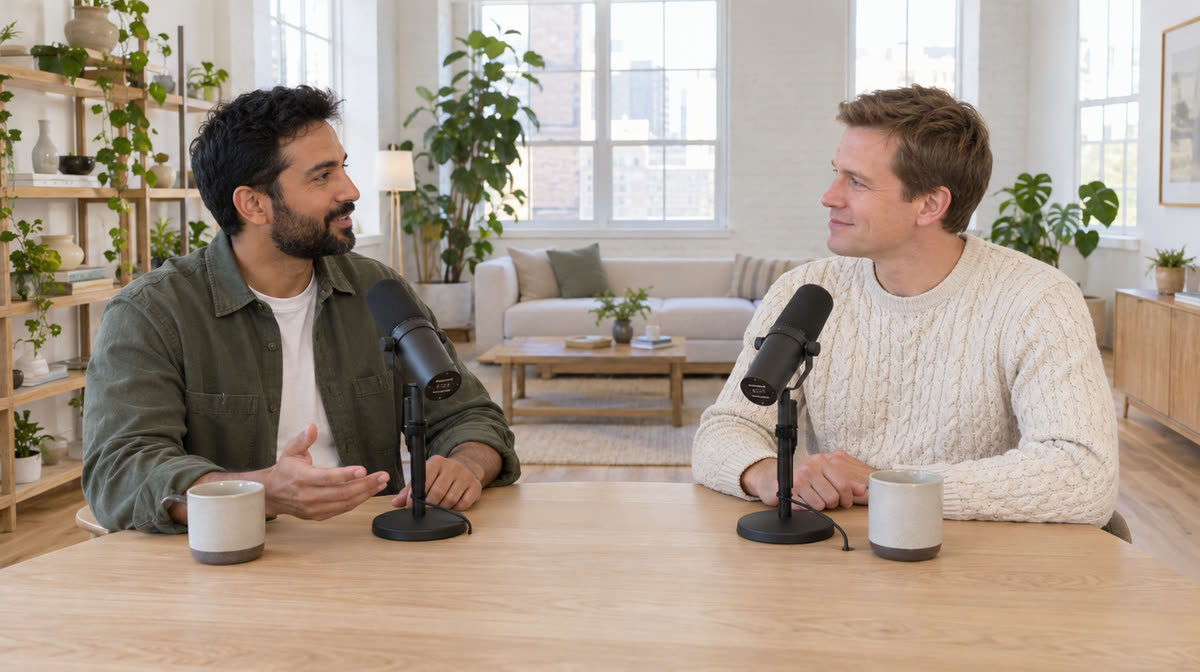
1Film or import
Put one phone sideways on a stand, with both of you in frame. Or import a video you already filmed, as long as the camera stayed still.
-
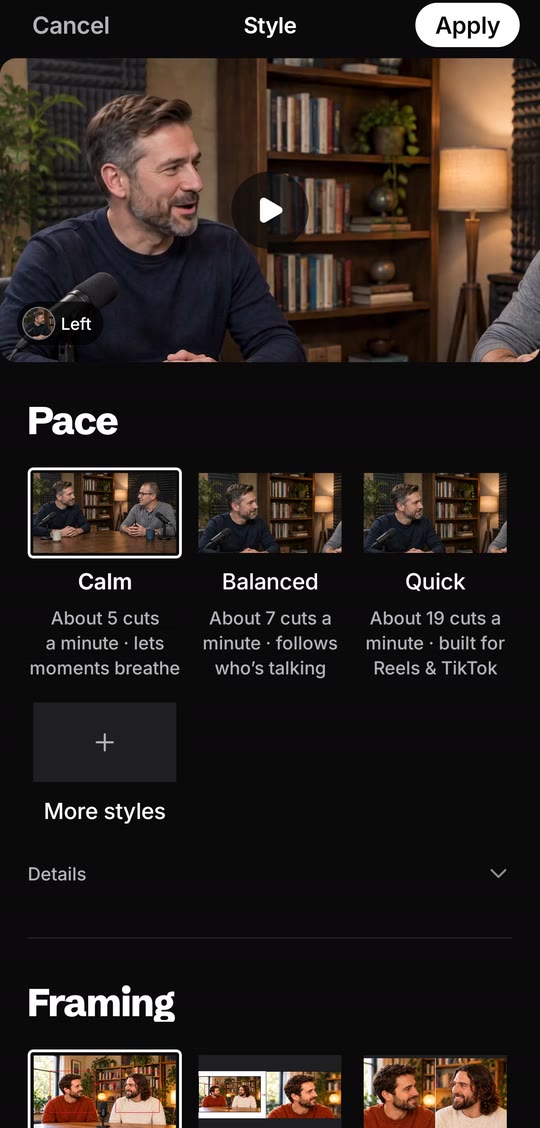
2The AI Director cuts it
Pick the pace: Calm, Balanced or Quick. Pick the framing, or let it choose close-up or wide, shot by shot.
-
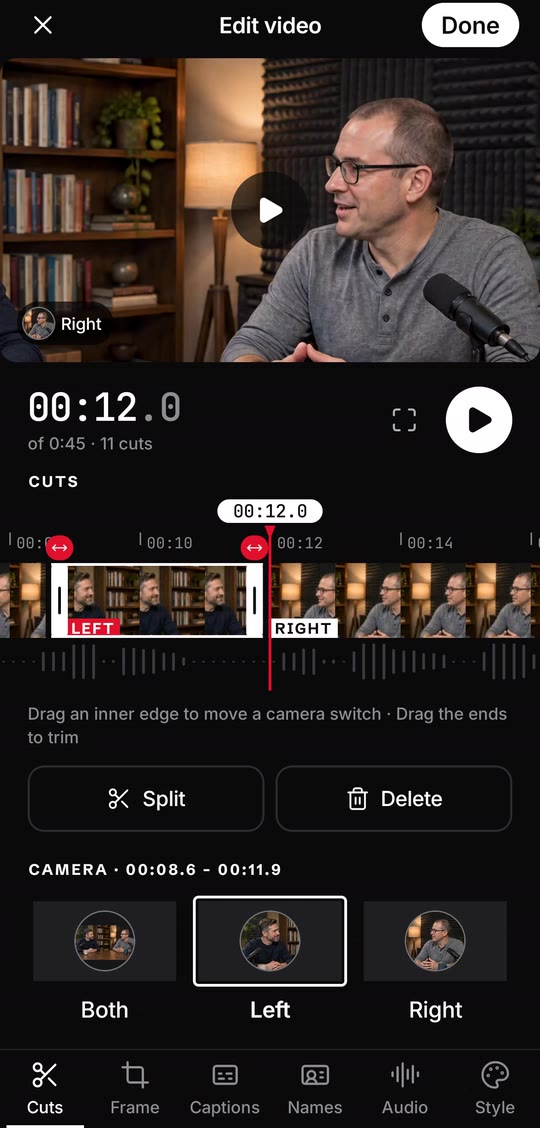
3Change any of it
Drag an edge to move a camera switch. Pick who the camera should be on, reframe a shot, or rename the two of you.
-
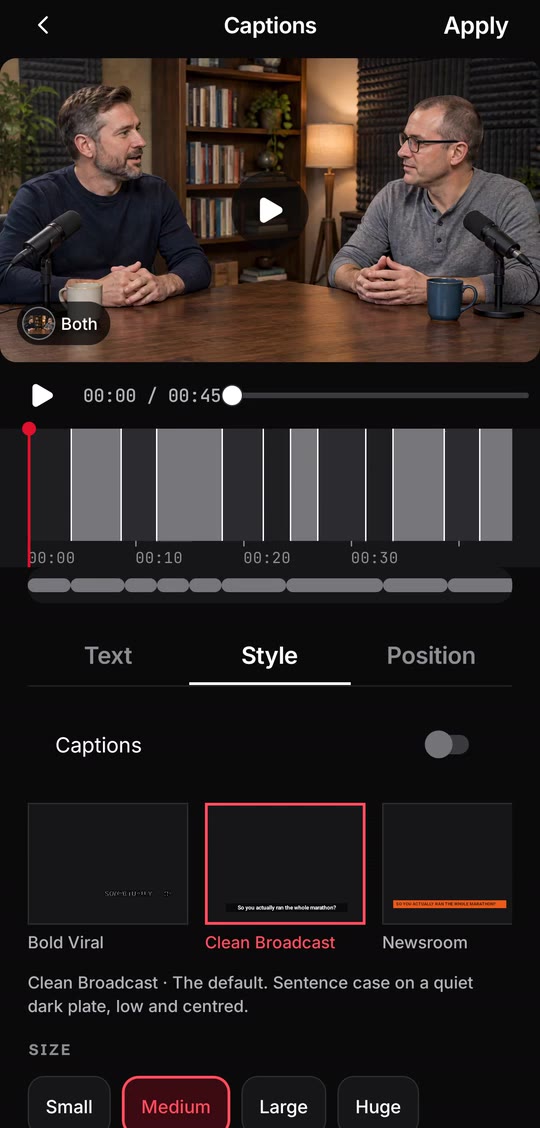
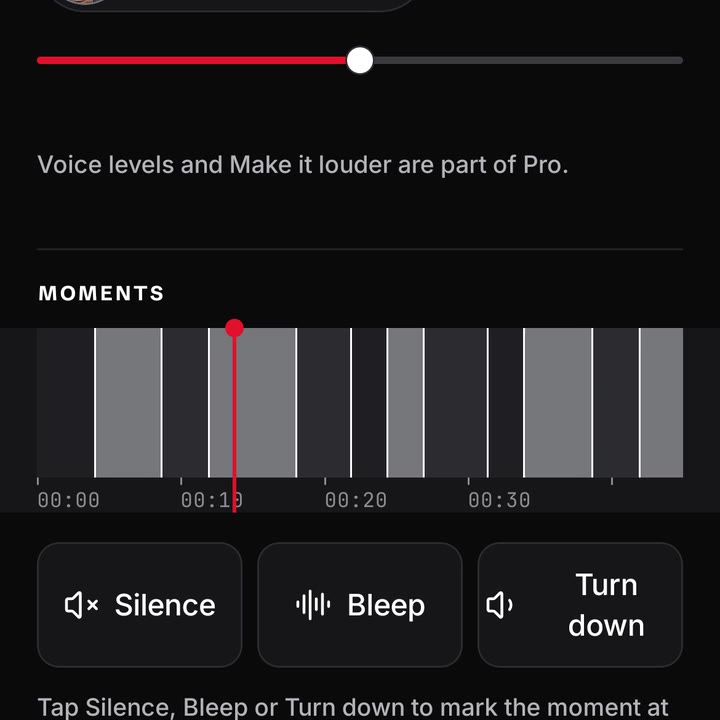
4Captions, names and sound
Captions come from your transcript, in English, in the look you pick. Names go on screen the first time each person talks. Tap Silence, Bleep or Turn down at any moment.
Match voices sets the two voice levels to match. Part of Pro.
-
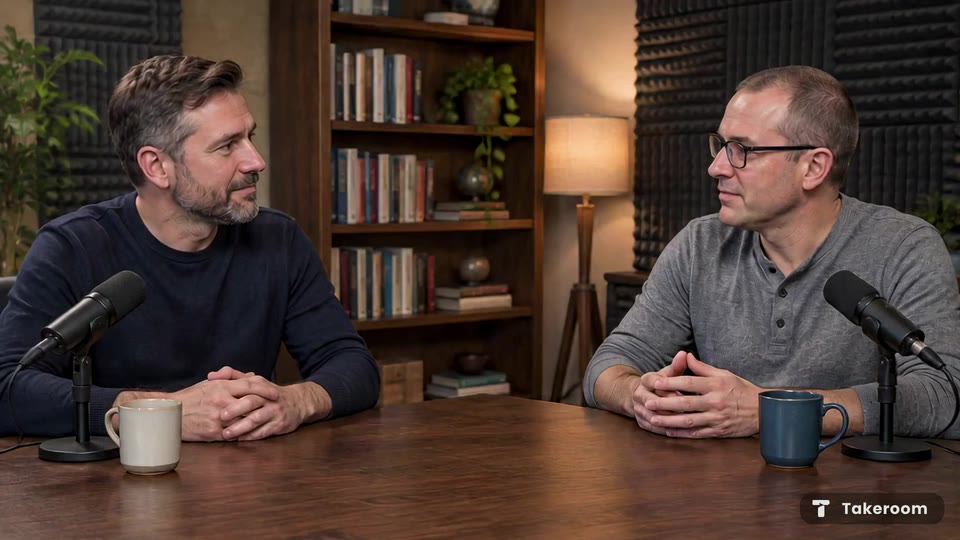
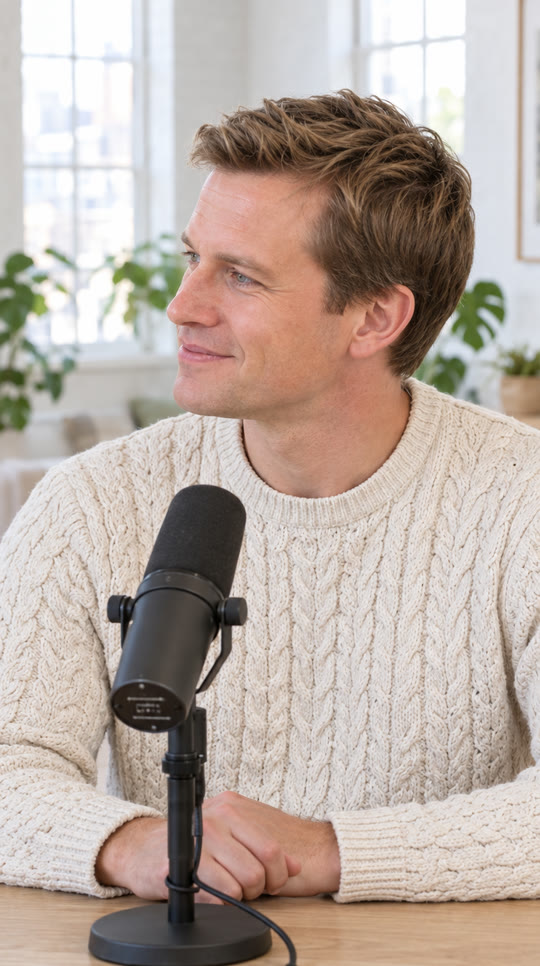
5Save it wide and vertical
One save gives you the episode wide for YouTube and vertical for Reels, TikTok and Shorts, saved on your phone.
Highlights finds the moments that stand on their own, and Make a clip saves one. Titles, chapters, a description and tags are written from what you said.
Get early access


Screen recordings and saves from the Takeroom Android app. People shown are computer-generated.
One phone vs a multicam shoot
A multicam shoot means a camera on each person and one for the wide, keeping them in sync, and an evening in an editor deciding who to show.
With Takeroom it is one phone on a stand. The AI Director makes the close-ups and the wide from that one shot and makes the first cut for you.
The close-ups are crops of one shot, so they are only as sharp as your phone’s video. Film in good light.
What’s in it, and what’s next
In the app at launch
Everything in the steps above, plus:
- Cut the ums: each “um” is cut out and the video gets a little shorter.
- Camera movement: Still, Gentle or Lively.
- Caption motion: Fade, Pop or Slide up.
- Change the style and it re-cuts without uploading your video again.
Coming after launch
Some features roll out after launch.
- Looks: a whole style in one tap
- Clean sound and Fix light
- Your brand kit and smart graphics
- Auto clean-up of long pauses and repeated takes
- Captions that highlight word by word
- Several clips at once, and sharing in one tap
- Square and 4:5
- A light and mic check before you film
Your video stays yours
- Your upload is deleted from our servers after 7 days.
- Saving runs on your phone. Nothing is uploaded to save it.
- The app asks before it reads your words to find chapters and highlights.
- We don’t train models on your footage.
- Delete a video, or your whole account, any time.
A note from the maker
Most talk videos that look good were shot with a camera on each person and cut by someone who knows what they’re doing. I don’t think that should be the price of looking good. The phone you already own films sharp enough, and cutting to whoever is talking is work software can now do well. Takeroom isn’t out yet. I’m finishing it now, and I’d rather tell you that than pretend otherwise.
Ahmed
Questions
What is Takeroom?
An Android app that turns one wide shot of two people into a finished, multicam-style video and short clips.
How much does it cost?
Your first video is free. After that, Takeroom Pro is a monthly or yearly subscription through Google Play. The app shows the price before you pay, and you can cancel in Google Play.
Does it work with two people in one shot?
Yes, that is what it is made for: two people, both in frame, with the phone sideways and still.
Do I need a tripod?
Any stand that holds the phone sideways and still will do. Set it back far enough that both of you fit in frame.
How does it decide who is on screen?
It follows whoever is talking. If it picks the wrong person, drag the strip to that moment in the editor and pick who the camera should be on.
Which language are the captions in?
English. The words come from what you said.
Can I use a video I already filmed?
Yes, import it instead of recording, as long as it is one fixed wide shot of both of you. It can’t rescue a moving camera.
When can I get it?
Takeroom is coming soon to Android. Leave your email and we’ll send one email the day it lands.
Takeroom lands on Android soon. Hear the day it does.
Questions? hello@takeroom.app